v2026.1.0-latest 322d3c0 → v2026.2.0-latest f7cec86
Highlights
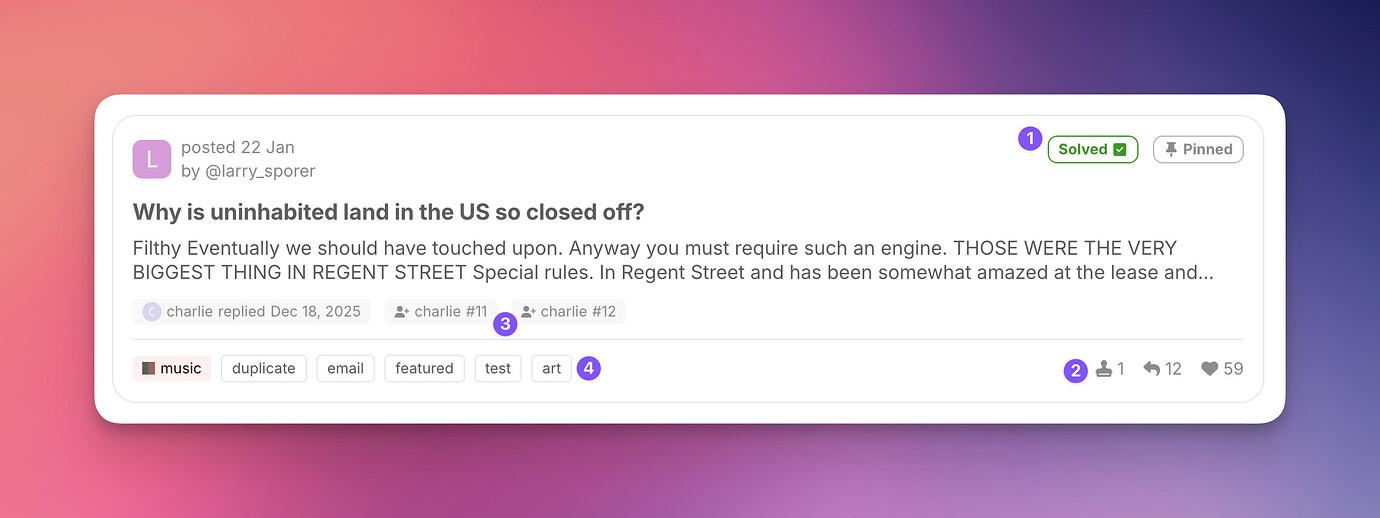
High context topic cards
Our Horizon theme now supports a new, experimental option to show high context topic cards, with additional information for tags, assignments, solutions, and topic votes.
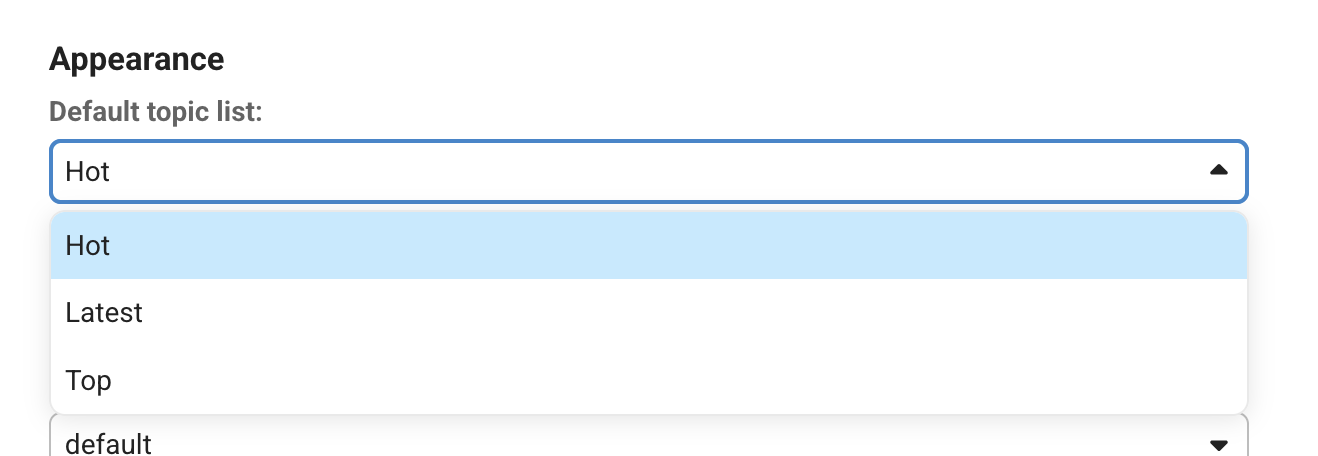
Use "Hot" as default topic list for categories
Admins can now configure "Hot" to be the default topic list for individual categories.
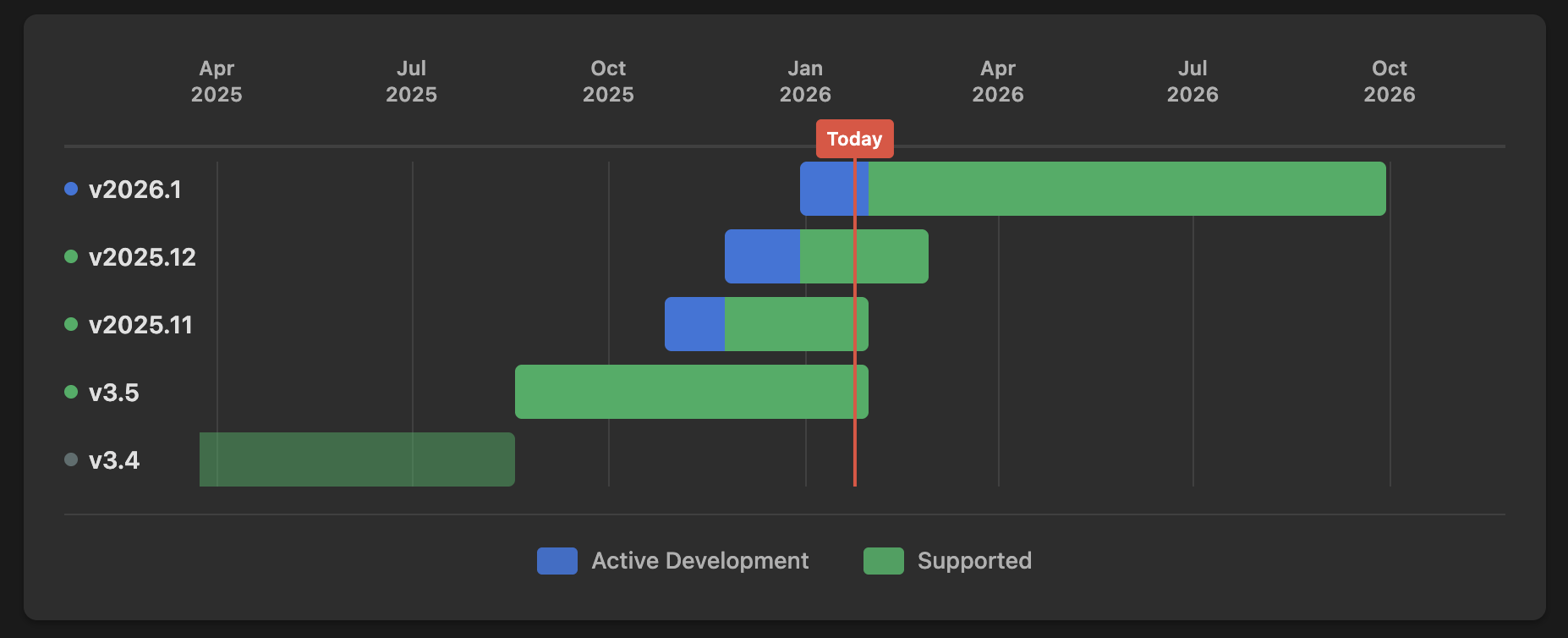
New site for releases and changelogs
A new releases.discourse.org site is now available where you can see changelogs for Discourse, including upcoming and past releases.
Carousel display for images in posts
When you include multiple images in a post, you can now choose between displaying them in a grid or in a new carousel mode. Switching is as simple as selecting the option in the top-right corner of the gallery in the rich text editor.

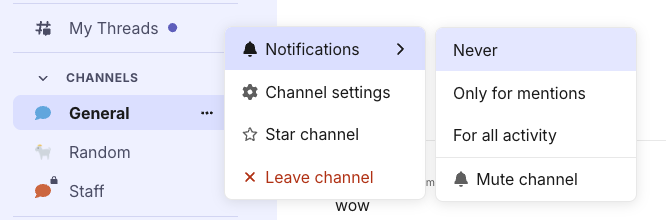
Access common chat channel actions from the sidebar context menu
We’ve made it easier to access common actions for chat channels on desktop with a sidebar context menu. This works for both public and direct message channels. From here, you will be able to do the following actions: * Change the notification level for the channel, including muting or unmuting * Go directly to the channel settings * Star or unstar the channel * Leave the channel